

Download Google Chat – Google Workspace, team collaboration, messaging app, group chat, real-time chat, workplace communication, secure messaging, Google Docs integration, file sharing, Google Meet integration, team chat, chat app
Overview
Google Chat is a real-time communication platform designed to enhance team collaboration within the Google Workspace ecosystem. It serves as a central hub for individuals and organizations to exchange messages, share files, and coordinate projects efficiently. The software enables seamless interaction through direct messaging and group chats, supporting both ad-hoc conversations and structured workstream collaboration. Its primary purpose is to reduce communication friction by integrating with other core Google Workspace tools, allowing teams to work cohesively without switching between applications.
Target users include professionals, remote teams, and organizations leveraging Google Workspace for business operations. The platform supports both personal and enterprise use, with access to advanced security and administrative controls in professional environments. Real-world scenarios include project coordination, daily stand-ups, document collaboration, and cross-departmental communication. Google Chat aims to streamline workflows by combining messaging with productivity tools, making it a vital component of modern digital workplaces.
Developed by Google, the software benefits from the company’s extensive experience in cloud-based services and enterprise solutions. While specific details about the development team are not provided, the product’s integration with Google’s broader ecosystem underscores its reliability and scalability.
Key Features & Capabilities
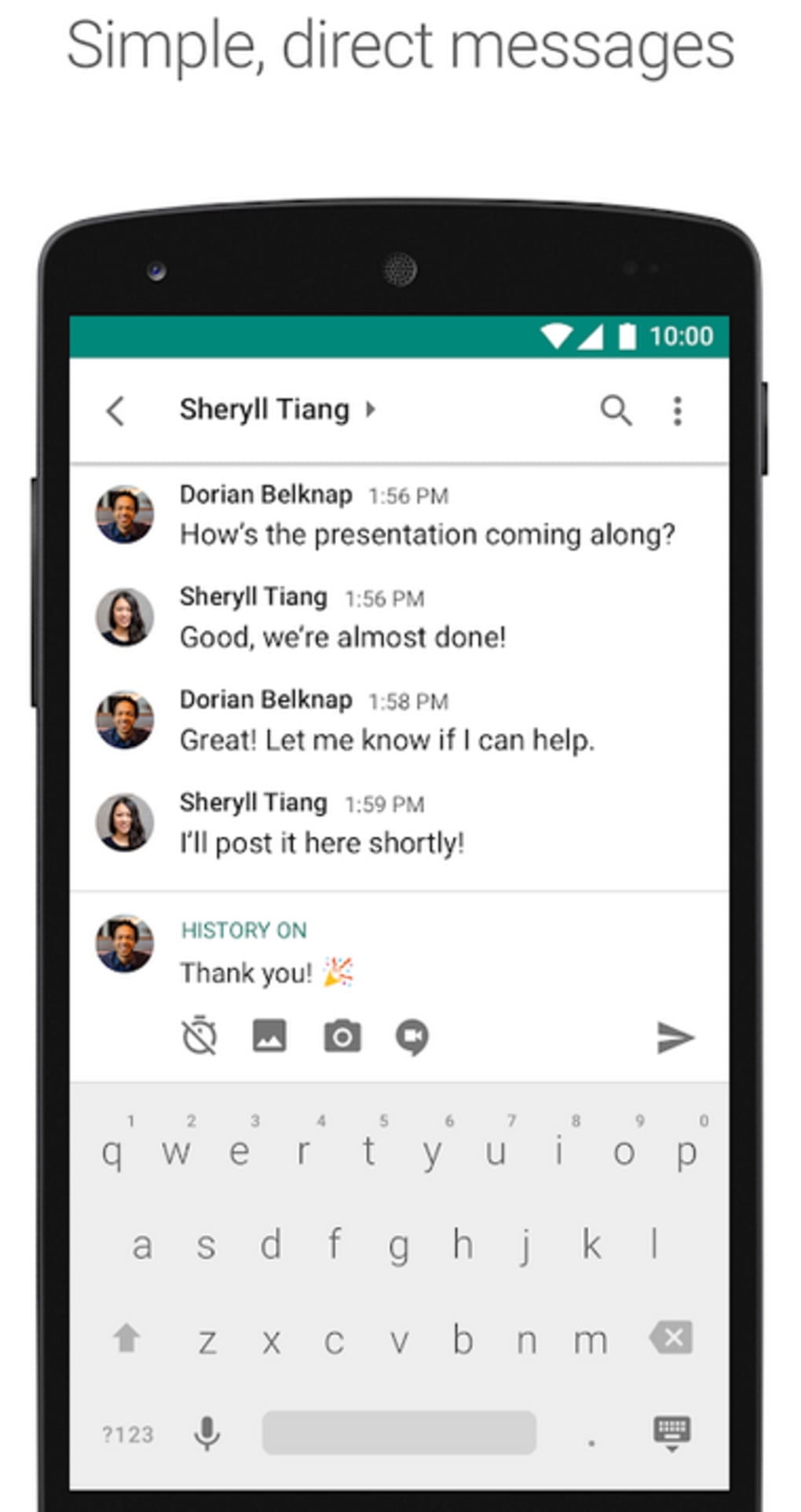
- Real-Time Messaging: Users can send instant messages to individuals or create group chats for team discussions, enabling immediate feedback and faster decision-making.
- Integration with Google Workspace: Seamless connectivity with Google Docs, Sheets, Slides, and Drive allows users to share, view, and edit documents directly within chat threads.
- Workspace Collaboration: Teams can initiate collaborative editing on files without leaving the chat interface, promoting continuous workflow and reducing context switching.
- Powerful Search Functionality: Built-in search enables users to quickly locate past messages, shared files, or specific content across conversations, improving information retrieval efficiency.
- Security and Compliance Features: Includes Data Loss Prevention, Admin Settings, Vault Retention, Holds, Search, and Export to meet enterprise-level data governance and regulatory requirements.
- Multi-Platform Accessibility: Available on Android, iOS, and web browsers, ensuring consistent access across devices and operating systems.
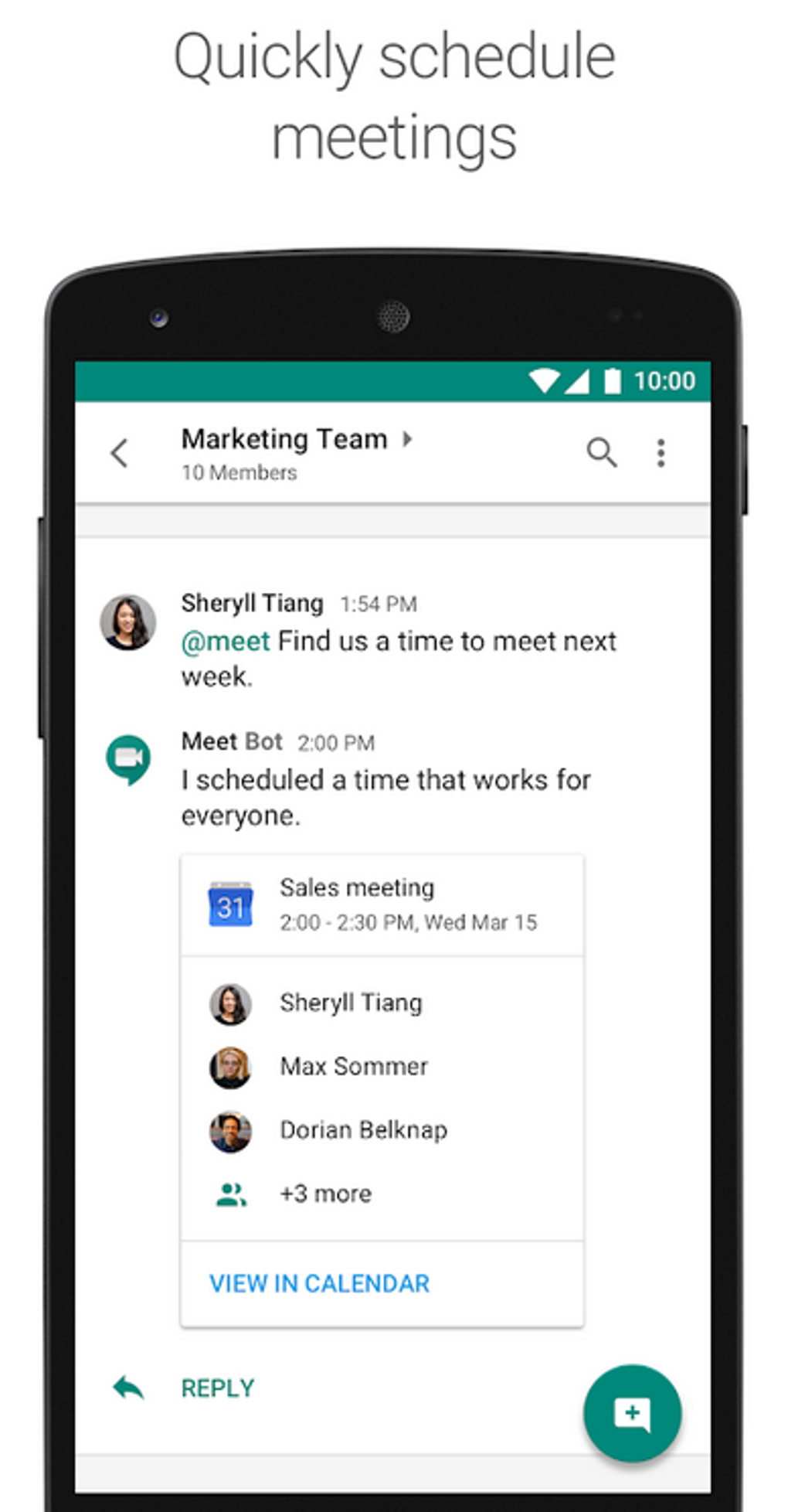
- Google Meet Integration: Users can start video meetings directly from chat threads, facilitating smooth transitions from discussion to real-time collaboration.
- Accessibility Support: Designed with inclusive features to accommodate diverse user needs, enhancing usability for individuals with different abilities.
These capabilities make Google Chat ideal for remote teams, project managers, and departments requiring frequent coordination. For example, a marketing team can discuss campaign ideas in a group chat, share a Google Slides presentation, and immediately schedule a meeting via Google Meet—all within the same interface.
User Interface, Workflow & Performance
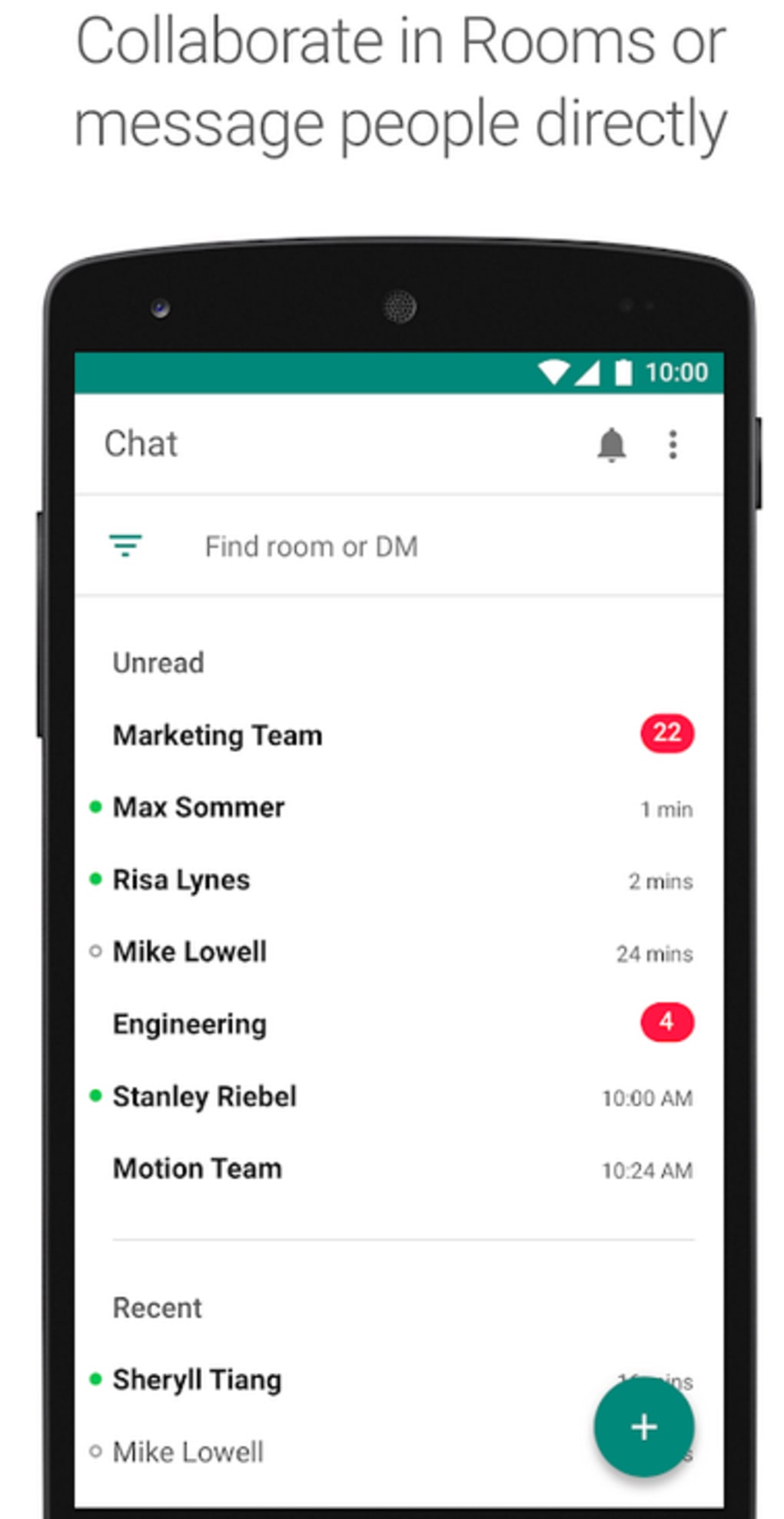
The user interface of Google Chat is designed for clarity and efficiency, featuring a clean layout with a sidebar for chat lists, a central message area, and a right panel for file previews and metadata. Navigation is intuitive, allowing users to switch between conversations, access shared files, and initiate new chats with minimal effort. The workflow is streamlined, enabling users to start a conversation, share content, and collaborate on documents in a single session.
Performance observations are based on general software behavior patterns. The application responds quickly to user input, with minimal lag during message delivery and file transfers. Stability appears consistent across supported platforms, though exact performance metrics such as CPU or RAM usage were not specified by the developer.
Users can expect smooth operation during typical use cases, including message exchanges, file sharing, and video calls. However, performance may vary depending on network conditions and device capabilities. The developer did not specify resource usage details, so users should monitor system performance during extended use.
Compatibility & System Requirements
Google Chat is available for Android, iOS, and web platforms. The Android version requires Android 10 or later, while the iOS version requires iOS 13 or later. The latest version of the software is 2.2.3, with a file size of 150 MB on Android devices.
Exact system requirements were not listed. Compatibility information was partially provided, indicating support for modern mobile operating systems. The web version operates on standard browsers without additional software, ensuring broad accessibility across desktop environments.
For users seeking to download the Google Chat APK, the file is available through official channels. However, users should ensure they are downloading from trusted sources to maintain security and integrity.
Pros and Cons
Pros
- Seamless integration with Google Workspace apps like Docs, Sheets, and Drive
- Real-time messaging with group chat and direct message support
- Strong security and compliance features for enterprise use
- Accessible on Android, iOS, and web platforms
- Intuitive interface designed for fast adoption
- Direct integration with Google Meet for video conferencing
- Powerful search functionality for content discovery
- Free to use for personal and professional purposes (included in Workspace)
Cons
- Advanced features may be restricted based on organizational subscription level
- Limited customization options for chat appearance and behavior
- Some functionalities may require Google Workspace admin permissions
- Performance may vary on older or low-end devices
- Offline functionality is limited compared to some dedicated messaging apps
FAQ Section
Is Google Chat available for free?
Yes, Google Chat is accessible for free through personal Google accounts on chat.google.com. For professional use, it is included in Google Workspace subscriptions, meaning no additional cost if your organization has a valid plan.
Can I use Google Chat on my Android device?
Yes, Google Chat is available as a native app for Android devices running Android 10 or later. You can download the Google Chat APK from official sources or app stores.
Is Google Chat secure for business use?
Yes, Google Chat adheres to Google Workspace’s security standards, offering features such as Data Loss Prevention, compliance controls, and administrative oversight to protect sensitive information.
Does Google Chat support file sharing?
Yes, users can share files from Google Drive directly within chat threads. The platform also supports collaborative editing on documents, spreadsheets, and presentations in real time.
Can I use Google Chat without a Google Workspace account?
Yes, individuals can access Google Chat using a personal Google account. However, certain advanced features, such as administrative controls and compliance tools, are only available with a Google Workspace subscription.
Final Thoughts
Google Chat stands out as a powerful, integrated communication tool that enhances team productivity through real-time messaging, file sharing, and deep integration with Google Workspace. Its clean interface, multi-platform availability, and robust security make it a reliable choice for both individuals and organizations. While customization options are limited and some features depend on subscription tiers, the overall value remains high for users already invested in the Google ecosystem.
For teams seeking a unified platform to connect, create, and collaborate efficiently, Google Chat delivers on its promise. Whether managing projects, coordinating remote work, or facilitating daily communication, it provides a seamless experience across devices.
Download Google Chat now and experience the future of efficient teamwork.





.png)

